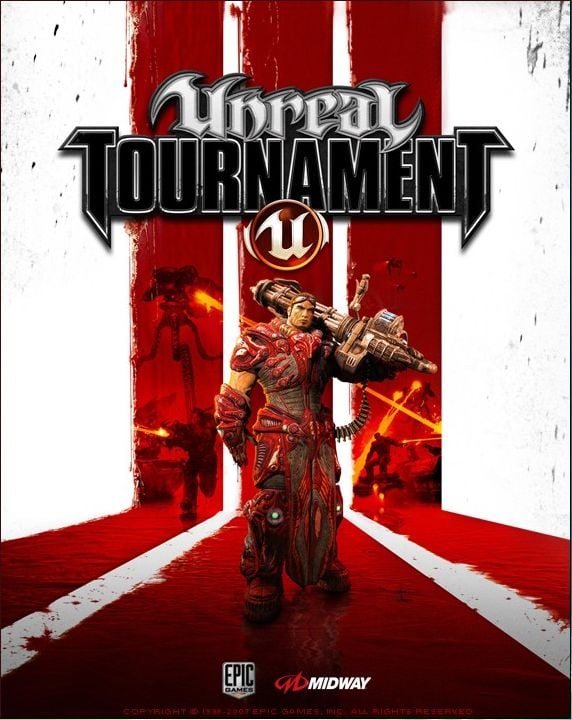
Unreal Tournament
Acclaimed first-person shooter in the popular franchise

- Category Action
- Program license Trial version
- Version 469b
- Size 777.03 MB
- Works under: Windows 10
- Program available in English
- Program by Epic Games
Grab Your Weapons and Get Ready for Action
Unreal Tournament is the long awaited sequel to the first person shooter game Unreal. While the original game was criticized for its poor multiplayer function, this has been rectified with a vengeance this time around. Read on to find out if Unreal Tournament was worth the wait.
One of the things that really makes Unreal Tournament stand out from traditional first person shooter games are the enemies. The AI bots that the game provides are very realistic and mimic the actions of real players. Defeating these enemies is no walk in the park and it usually takes more to take them out than simply aiming and shooting at them.
This adds a great dimension to the game, especially when gamers are using multiplayer mode. It is easy to become fooled into thinking that the enemy is part of your team and they can sneak up on you and take you out when you least expect it. This really keeps gamers on their toes as well as keeping the adrenaline pumping.
Players can choose from eight different skill levels, which provides plenty of challenge in the upper levels while also allowing people who are new to the game to ease into it gradually. Informative tutorials pop up from time to time when you need them instead of spilling out the whole story at once. This allows gamers the chance to enjoy a few rounds of game play instead of trying to learn too much all at once.
There are lots of different modes to choose from, which is sure to satisfy gamers who really want to go the distance and invest endless hours into playing the game. Some of the modes come complete with their own special challenges and objectives and some of the modes that are waiting to be tried include Capture the Flag, Deathmatch, Domination and Assault. The cool sound effects and background music are the final flourish to a game that is both challenging and engaging.
Unreal Tournament delivers everything that most gamers will have been hoping for, plus a whole lot more. It is clear that a lot of time and effort has gone into creating the game and it is extremely detailed, complete with realistic enemies, great controls and a sackful of weapons to collect and test out.
Pros
- Excellent multiplayer function
- Stunningly detailed landscapes
- Lots of cool weapons
- Realistic enemies to fight
- Great tutorials
Cons
- AIs have a few bugs